
Best AI Tools for Game Cutscenes in 2026
Choose on continuity, not frame quality. The tool categories, the four-shot test, and the order to adopt them in.
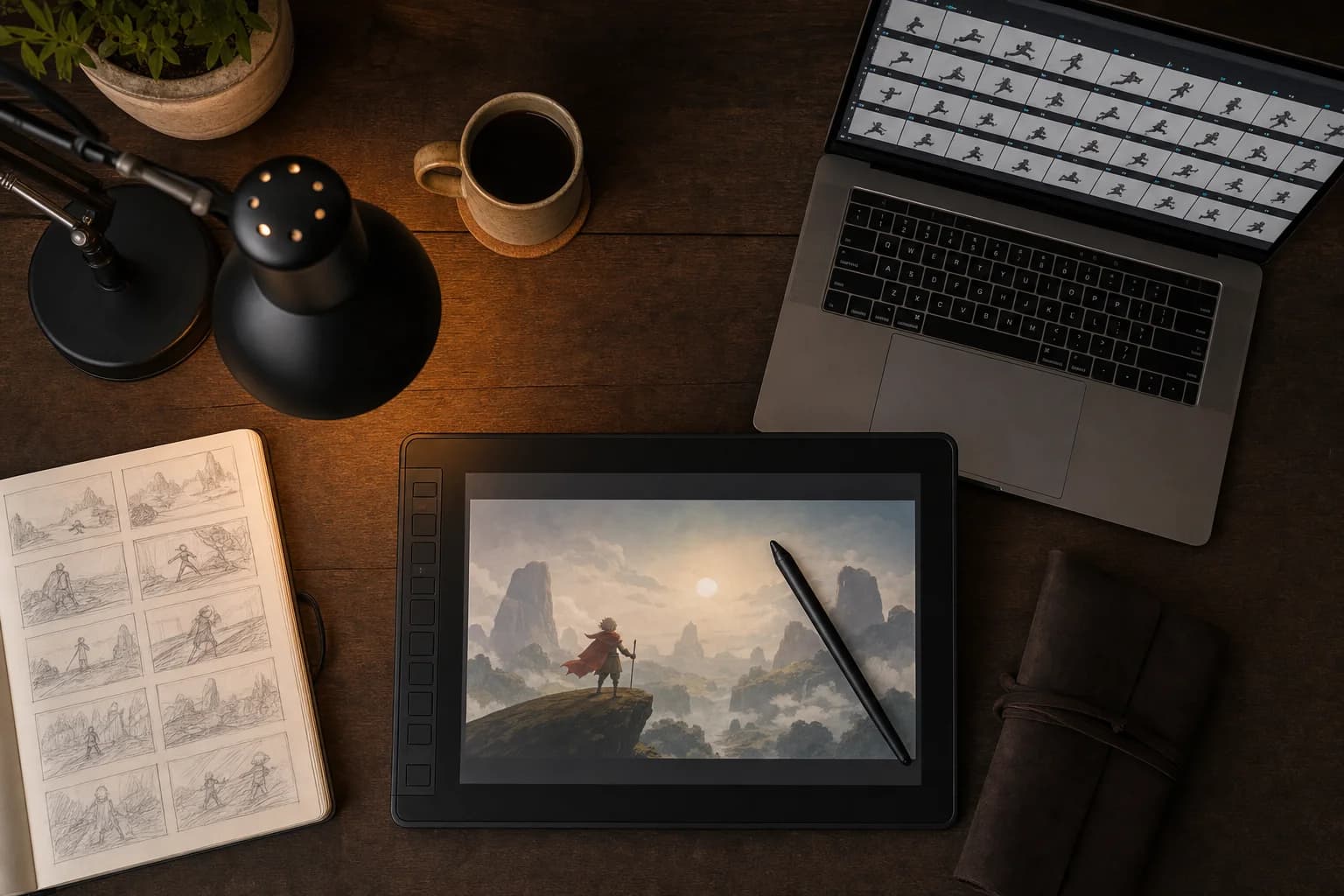
Cutscenes are the hardest content a small game team ships. They are also, in 2026, the part of the pipeline where generative tools have moved fastest. This guide covers what to actually evaluate before choosing one, what separates the categories, and the test that settles it in an afternoon.
First, know which kind of cutscene you are making
Two production routes exist, and only one is open to generative tools.
In-engine cinematics are staged with your game's own rigged assets and camera, inside the engine. They are perfectly consistent with gameplay because they use the same models. They cost animation and tech-art hours. No generative tool replaces this — none can render your specific rigged character out of your specific build.
Pre-rendered cutscenes are produced outside the engine and played back as video: stylised intros, flashbacks, lore sequences, animated trailers. This is where AI tools fit.
If your project needs the first kind, this guide will not help you. If it needs the second kind — or if it currently has no cutscenes because you could never staff them — read on.
The one criterion that eliminates most tools
Almost every generative video tool markets on frame quality. Frame quality is no longer the differentiator; most current models produce individual shots that look better than what a small team could hand-produce.
The differentiator is continuity. A cutscene is a sequence of shots of the same character, and the only question that matters is whether the character survives the cut.
Most video models are single-shot: each clip is generated independently, with no memory of the previous one. Prompt the same character twice and you get two plausible interpretations of a description, differing in face structure, proportions, costume detail — exactly the dimensions a cutscene cannot tolerate. Longer prompts reduce this and never eliminate it, because the model is sampling rather than referencing.
Tools that solve this do it architecturally: they establish the character as a fixed asset before generation, then constrain every shot to that asset.
The categories
Single-shot video generators. Prompt in, clip out. Excellent for mood pieces, B-roll, social content and background plates. Poor for cutscenes, for the reason above. Cheap and fast, and worth having in the toolkit for non-sequence work.
Image-to-video with reference conditioning. You supply a reference image and the tool animates from it. Better continuity than pure text-to-video, and workable for short sequences, but continuity degrades as shots accumulate and camera angles diverge from the reference.
Multi-agent pipelines. Separate specialised stages that hand off to each other, with character definition happening before any footage exists. This is the category built for sequence work.
An AI tool for game cutscenes in this third category runs the job as a chain rather than a prompt. OiiOii's version uses a Character Designer and IP Designer to lock the character and its design first, a Scene Designer and Storyboard Artist for staging and shot order, and a Sound Director to score the result. It routes 28 distinct underlying models — Kling, Seedance, Sora 2, MiniMax H3, Vidu, the Midjourney Niji line among them — through that one pipeline, so switching models is a style decision rather than a migration.
The four-shot test
This settles the question faster than any spec sheet. Run it on any tool before committing a project.
- Define one character with at least one specific, checkable detail: an asymmetric costume element, a scar, an unusual colour.
- Generate four shots — wide, medium, close-up, and a rear view turning to three-quarters.
- Place the four stills side by side. Look only at face structure, silhouette, and that one detail. Ignore how good each image is.
- Regenerate the weakest shot twice. Watch whether it converges toward the other three or drifts further away.
Convergence means the tool references a fixed character. Drift means it re-rolls a description every time, and no prompt refinement will fix it.
Four more checks specific to games
Original IP handling. The tool should build your original characters cleanly rather than producing recognisable approximations of existing game properties. This is a legal consideration and a practical one — your cutscene needs your character, not a near-miss of someone else's.
Style range. Cutscenes span gritty realism to heavily stylised anime. A tool with one strong default aesthetic will fight your art direction for the whole project. Test against your actual target look.
Explicit shot ordering. A cutscene is a sequence. Tools without a storyboard or shot-order stage push that work back into your editor, which is where small teams lose the time they thought they were saving.
Output length and pacing. Most generative video is short-form. Plan cutscenes as tight, well-paced sequences built from short shots rather than expecting one long continuous take.
Where to start, in order
The failure mode is trying to ship a final in-game sequence on day one. The technology's weakness is continuity under accumulation, and a shipped cutscene is the use case with the least tolerance for it.
Start with previsualisation. Block out shots, pacing and staging before committing animation hours. Previz output is a planning artefact that nobody ships, so drift costs nothing, and knowing a scene does not work before you animate it is worth more than the tool costs.
Then a non-critical stylised sequence. A lore flashback, an animated trailer for the store page, an intro. Pre-rendered by nature, not load-bearing for gameplay, and a real test of whether the output holds up.
Then decide about in-game content, honestly, based on what the first two produced.
The bottom line
The category crossed from "not ready" to "ready for a specific slice of the pipeline" in the past eighteen months, and the slice is narrower than the marketing suggests. It does not replace in-engine cinematics. It does make previz affordable for teams that never had it, and it makes pre-rendered story sequences possible for teams whose cutscene count was previously zero.
Choose on continuity, not on frame quality. Run the four-shot test. Start with previz. Keep a person directing the shot order, because the limiting factor is no longer rendering — it is direction.

Written by
Maya ChenMaya Chen is a senior product reviewer with 8 years of hands-on testing experience across consumer electronics, home gadgets, and workplace tools. Previously at Wirecutter and The Verge, she brings rigorous methodology and deep category expertise to every review she writes.
Full profileEmbed Badge
Add this badge to your site to share this recommendation.
<a href="https://www.bestin2026.com/articles/best-ai-tools-game-cutscenes-2026" target="_blank" rel="noopener"><img src="https://www.bestin2026.com/api/badge?title=Best%20AI%20Tools%20for%20Game%20Cutscenes%20in%202026" alt="Best AI Tools for Game Cutscenes in 2026 - Best in 2026" width="200" height="50" /></a>Keep Reading
Related Content
Articles


Products
Best Espresso Machines of 2026
Cafe-quality espresso at home. We pulled thousands of shots to find the best espresso machines from beginner-friendly to prosumer.
Feb 5, 2026
Best Air Purifiers of 2026
Clean air for every room size and budget. We measured real particulate removal rates to find the air purifiers that actually work.
Feb 5, 2026
Best Standing Desks of 2026
Sit-to-stand desks that are actually worth buying. We tested 22 electric standing desks for stability, speed, and build quality.
Feb 5, 2026